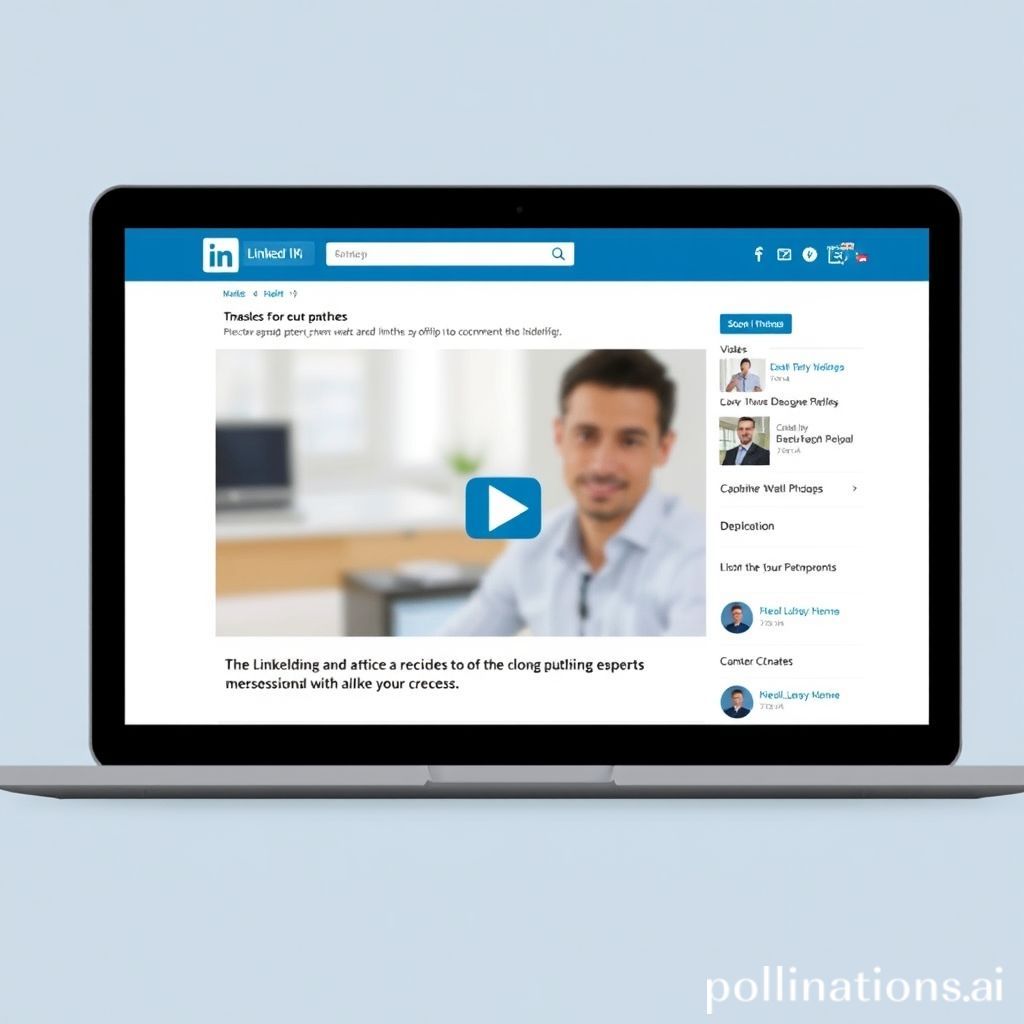
LinkedIn is rolling out an exciting new way to make your long-form content stand out: video covers for articles and newsletters.
This update lets you replace the static header image on your LinkedIn articles and newsletters with a short video. It’s a visual way to grab attention right in the feed, encouraging more people to click and read your content.
What Are Video Covers for LinkedIn Articles?
Think of it like adding a video trailer to your blog post. Instead of a picture at the top, you can now upload a video clip. When someone scrolls past your article or newsletter in their LinkedIn feed, they’ll see the video playing (likely on mute initially), giving them a more dynamic preview.
This feature is becoming available to all LinkedIn members soon.
Why Video Matters on LinkedIn
LinkedIn has been putting a greater focus on video content across the platform. They know that video is engaging and can help creators capture attention in a crowded feed.
Adding video covers aligns perfectly with this trend. It helps:
- Increase Visibility: Videos are naturally more eye-catching than static images.
- Boost Engagement: A compelling video can pique curiosity and make people want to learn more.
- Showcase Personality: You can use the video to introduce yourself, the topic, or add a personal touch.
This is an opportunity to make your valuable insights and expertise presented in articles and newsletters even more appealing to your network and beyond.
How to Use the New Video Cover
When you create or edit a LinkedIn article or newsletter, you’ll see the option to upload a video in the header section where you would typically add an image. Simply select a video file from your device to use as the cover.
Make sure your video is short, high-quality, and gives viewers a good idea of what your article is about without giving everything away.
Conclusion
The addition of video covers for LinkedIn articles and newsletters is a significant update for anyone using these formats to share their knowledge and build their professional brand. It’s a clear sign that LinkedIn is prioritizing rich media to improve content discovery and engagement.
If you’re publishing articles or newsletters on the platform, experiment with this new feature to see how it can help your content perform better!