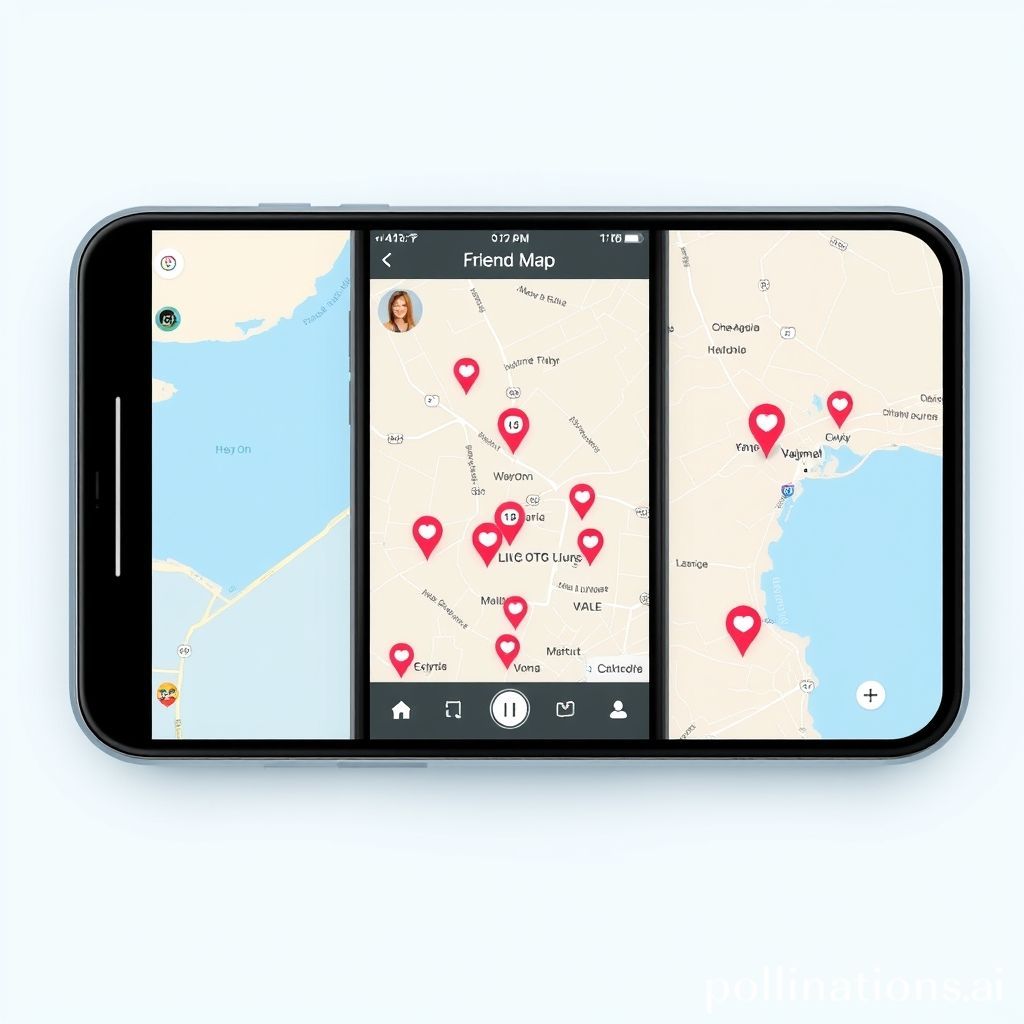
Instagram recently launched its new Friend Map feature, designed to show users where their friends are and highlight places they’ve visited through location-tagged Stories. While the feature generated excitement for some, it also led to confusion and concerns regarding user privacy.
Some users worried that the Friend Map would automatically share their location without their consent, potentially putting them at risk. However, Instagram has reiterated that location sharing is entirely optional.
## How Instagram’s Friend Map Works
The Friend Map allows you to see your friends’ current locations and places they’ve been, based on location-tagged Stories they’ve posted. This can be a fun way to connect with friends and discover new places.
### Key Features:
* **Location Display:** See where your friends are currently located (if they’ve chosen to share).
* **Tagged Stories:** View locations your friends have visited through their location-tagged Stories.
* **Optional Participation:** Location sharing is not automatic; users must opt-in to share their location.
## Addressing Privacy Concerns
Instagram emphasizes that the Friend Map is designed with privacy in mind. Here’s what you need to know:
* **Opt-In Feature:** You must manually enable location sharing for your friends to see your location.
* **Control Over Sharing:** You can choose to share your location with all your friends, a select group, or no one at all.
* **Privacy Settings:** Adjust your privacy settings to control who can see your location and tagged Stories.
In summary, Instagram’s Friend Map offers a new way to connect with friends, but it does so with user privacy as a priority. You have complete control over whether or not you want to share your location, ensuring your safety and comfort.
## Take Control of Your Location Settings
Familiarize yourself with Instagram’s location settings to ensure your preferences are correctly configured. By understanding how the Friend Map works and taking control of your privacy options, you can enjoy the feature while protecting your personal information. If you’re unsure, navigate to your Instagram settings and review the location sharing options.