Meta’s new video editing app, Edits, continues to evolve. While many updates focus on new creative tools, the latest round targets a different but equally important area: project management and organization.
Last week, Instagram announced new features specifically for the “Ideas” tab within the Edits app. These updates are designed to help video creators keep track of their inspiration and plan future projects more effectively.
What’s New in the Ideas Tab?
According to Instagram’s announcement, the updates include several helpful additions:
- Save Audio: You can now save audio clips directly within the Ideas tab, making it easier to reference sounds you want to use later.
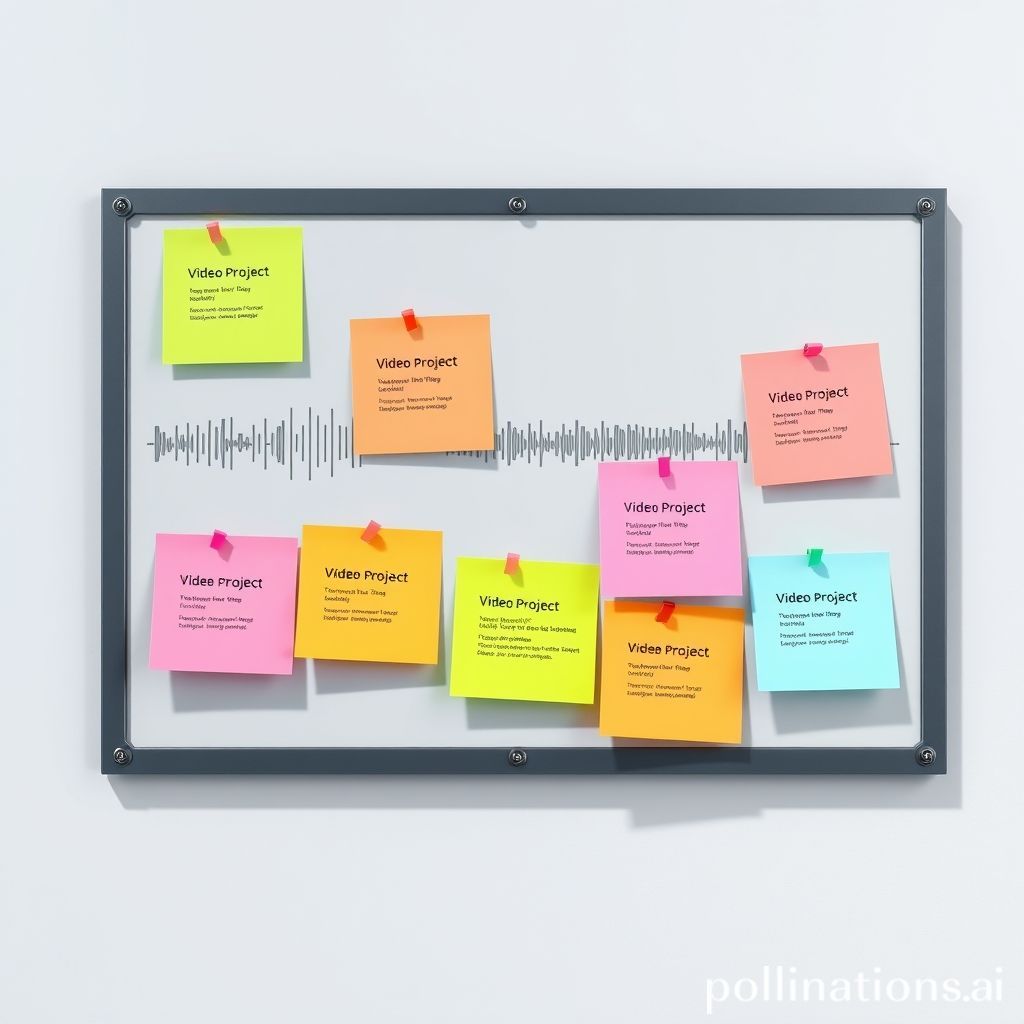
- Sticky Notes: Leave digital sticky notes on saved audio clips or ideas. Use these notes to jot down concepts, shot lists, or reminders related to a specific idea.
- Mark Stickies as Done: Once you’ve completed a project idea or finished using a specific note, you can mark the sticky note as “done.” This helps clear your list and track progress.
- Filter and Sort Stickies: The Ideas tab now offers filtering options. You can view notes by their status (To-Do, Done, or All) or sort them by when they were last edited, when they were created, or even by color if you use different colors for different types of notes.
These features might not directly add new editing effects, but they provide valuable organizational tools that can streamline the creative process.
Why Organization Matters for Creators
For busy content creators, staying organized is crucial. Keeping track of inspiring audio, video concepts, and project statuses can prevent ideas from getting lost and help manage workflows more efficiently.
The updates to the Ideas tab in Meta Edits aim to make this easier. By providing dedicated tools for saving inspiration and managing notes, Meta is helping creators bridge the gap between finding an idea and actually bringing it to life.
Conclusion
While the core function of Edits is video editing, these new project management features highlight the importance of the planning phase. By making it easier to save, organize, and track creative ideas directly within the app, Meta is adding helpful functionality that can benefit creators looking to stay on top of their projects. As the app continues to develop, expect to see more features that support creators throughout their entire workflow, from inspiration to final edit.